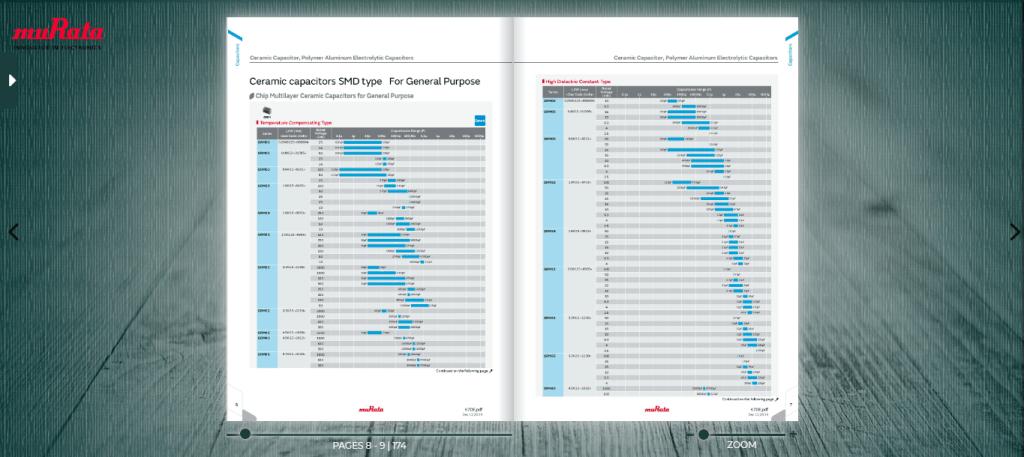
Digital or web catalogs are often cheaper than traditional e-commerce stores because they don’t require as much investment in infrastructure. However, building them can be challenging because you need to create a website that works well on all devices and has a clean design.
A digital catalog is a database that contains all of the information related to your products in one place. It includes pricing, images, descriptions, and other relevant information about each product. The data can be viewed by anyone who has access to the system, which makes it easy for you to update the prices of items or add new products without having to manually update each page.
When it comes to digital catalogs, some people use Shopify while others choose BigCommerce or Magento. If you want to build your custom solution, then a digital catalog maker such as Enhanc or PageTurnPro is a good option because it’s easy to use and cost-effective.
What is a digital catalog maker?
A digital catalog software or maker is a tool that helps you create an online catalog for your products. This can be a very powerful tool for your business, allowing you to manage all of your inventory in one place, allowing you to see what inventory your competitors have, and also allowing you to set up automated shipping and delivery options.
A catalog maker can be used to help you manage multiple online stores as well. If you have multiple online stores, it can be helpful to have them all managed by one platform so that there are no duplicate products or stock levels.
A catalog maker can be used with any type of business and will allow you to create an online catalog for your products easily and quickly.
How to choose the right digital catalog maker?
If you are looking to create a catalog, your first step should be to decide what type of catalog you want to create. Do you want a customized one or do you want to use a pre-designed template? Do you want to sell through distributors or direct marketers?
The next step is choosing the software/maker that will meet your needs. There are many tools out there and each has its advantages and disadvantages. You may already have some experience with one or more of these programs and know that they work for you. If not, take the time to find out how each program works and what features are important to you.
The last step is to find out more about the customer support offered by the software provider. Read some reviews online and you will get an idea about what kind of support you will get. Once you have decided on a program, it’s time to choose how much information you want in your catalogs. The size of this file will determine how much storage space is needed on the computer, printer, or other device used in creating the final product. It also determines whether or not a printed version will be required since larger files require more processing power and memory space than smaller ones do.
 Digital Publishing
Leave a comment